Malmaler
AI Batch record Sales Invoices in Google Drive as draft to Xero
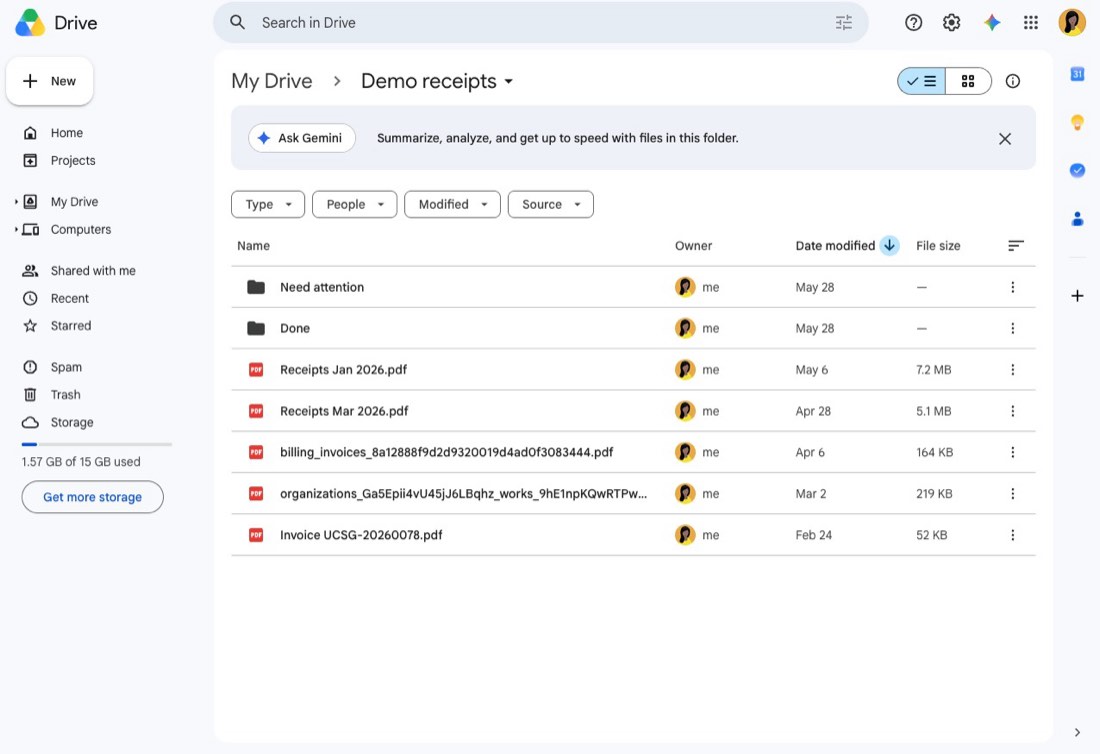
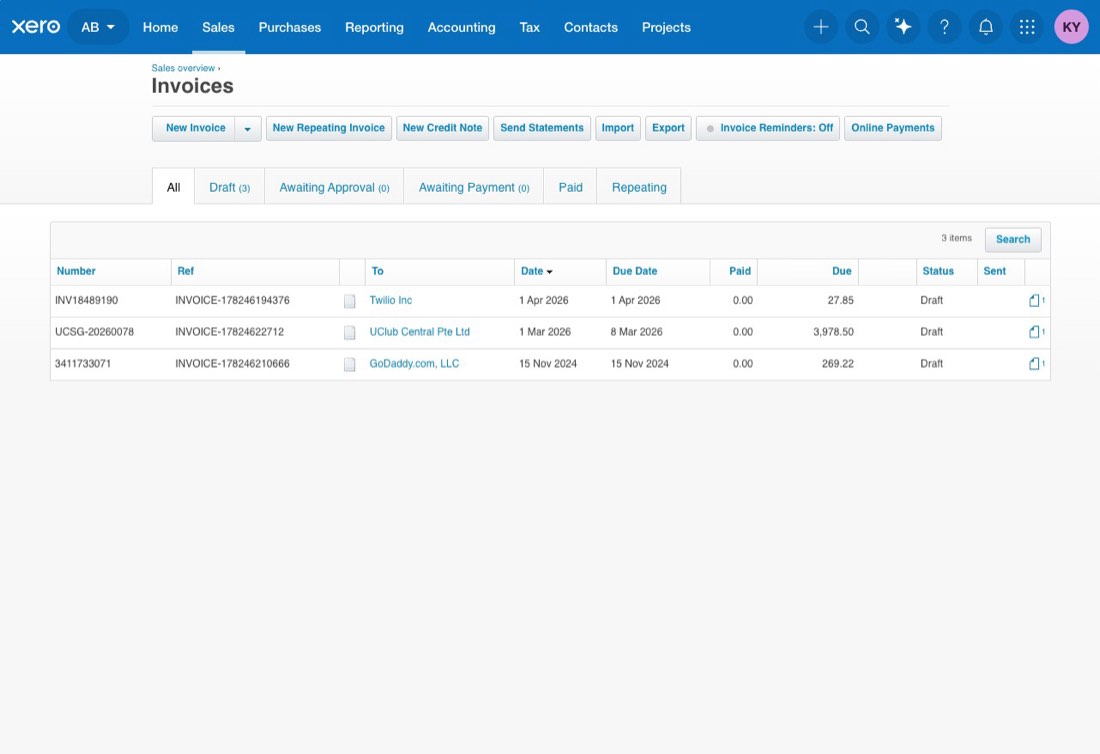
Batch processes sales invoices from Google Drive and records them as draft customer invoices in Xero.
Ca. 10 min oppsett
Batch Record Google Drive Invoices as Xero Drafts
Process invoices from Google Drive and create draft invoices in Xero.
What It Does
- Processes invoices one at a time.
- Extracts invoice details.
- Creates draft invoices in Xero.
- Attaches the original invoice file.
- Moves completed files to
Done. - Moves failed or incomplete files to
Need Attention. - Continues until all invoices are processed.
Required Connections
- Google Drive
- Xero
Setup
- Select the Google Drive folder containing your invoices.
- Select the
Donefolder. - Select the
Need Attentionfolder. - Connect your Xero account.
Notes
- Missing or unclear invoice details are not guessed.
- Invoices that cannot be processed are moved to
Need Attention.
This template deploys automatically to the cloud. No coding, self-hosted n8n setup, or Make.com flows are required. The workflow runs deterministically, so it stays predictable compared with agent-driven tools like Manus, OpenAI, or Tasklet.