Mallar
AI Batch Process Google Drive Receipts in Xero
Processes receipt files from Google Drive in batches and record them in Xero.
Ca. 10 min installation
Google Drive Receipts to Xero Template
Importable Knoon graph template for processing receipt files from Google Drive and recording them as Xero spend-money bank transactions.
What It Does
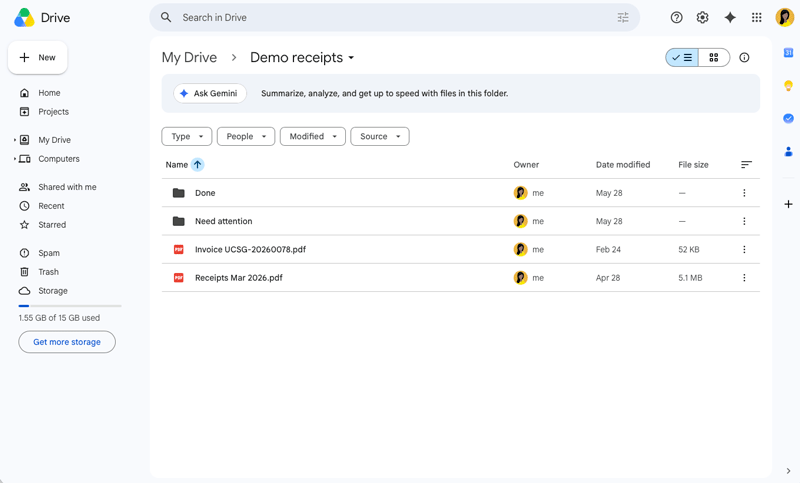
- Lists receipt files from a configured Google Drive folder.
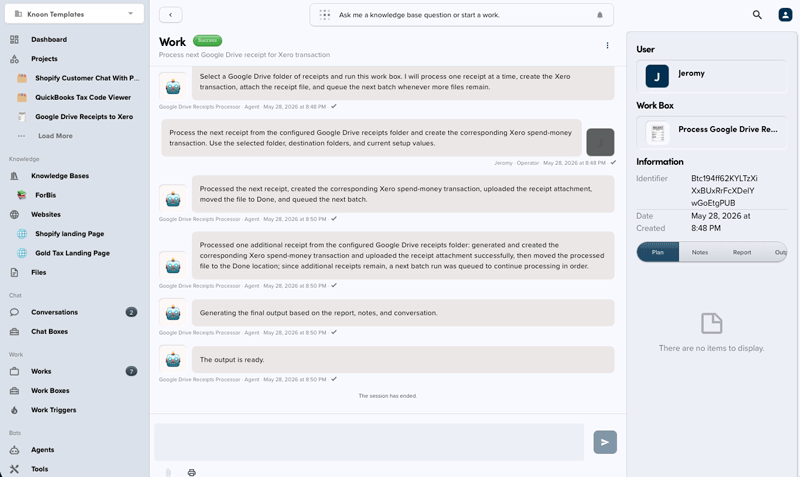
- Processes one receipt per run to keep batching controlled.
- Downloads the receipt as an attachment.
- Extracts merchant, date, amount, GST/tax, and description.
- Resolves Xero contacts, accounts, and tax rates.
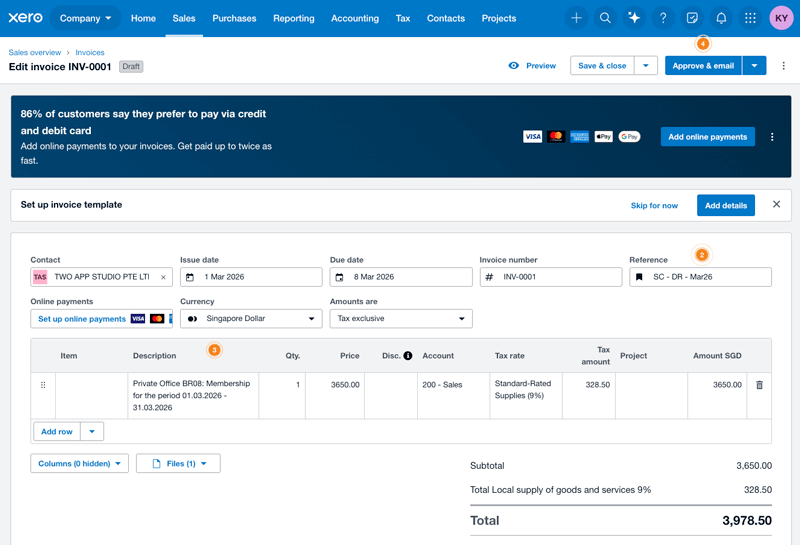
- Creates a Xero
SPENDbank transaction. - Uploads the original receipt to the Xero transaction.
- Moves successful files to a Done folder and blocked files to a Failed folder.
- Starts the next receipt batch when more files remain.
Import Instructions
- In Knoon, open the template.
- Import the package.
- Configure the Google Drive receipt inbox, Done folder, Failed folder, and Xero bank/expense account choices.
- Test with one receipt before running a full folder.
Usage Notes
- The workflow processes at most one receipt per run.
- Xero account codes, tax types, dates, and amounts should come from source data and connected Xero metadata.
- The default generated document number format is
INV-<unix timestamp><random 0-100>. - Successful files are moved out of the source folder to avoid duplicate processing.
This template deploys automatically to the cloud. No coding, self-hosted n8n setup, or Make.com flows are required. The workflow runs deterministically, so it stays predictable compared with agent-driven tools like Manus, OpenAI, or Tasklet.