範本
AI Batch Process Google Drive Receipts in Xero
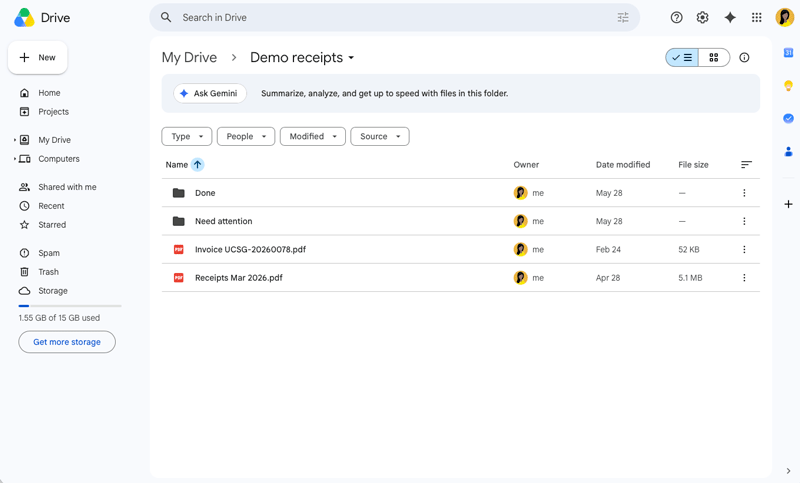
Processes receipt files from Google Drive in batches and record them in Xero.
約 10 min 設定
Google Drive Receipts to Xero Template
Importable Knoon graph template for processing receipt files from Google Drive and recording them as Xero spend-money bank transactions.
What It Does
- Lists receipt files from a configured Google Drive folder.
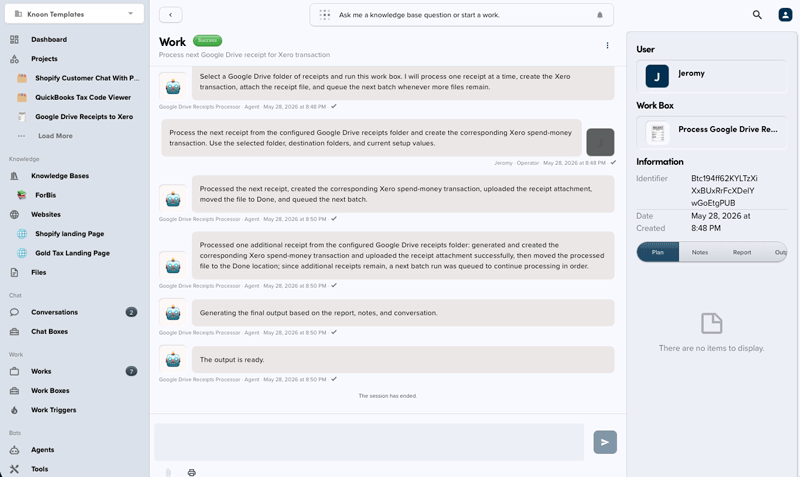
- Processes one receipt per run to keep batching controlled.
- Downloads the receipt as an attachment.
- Extracts merchant, date, amount, GST/tax, and description.
- Resolves Xero contacts, accounts, and tax rates.
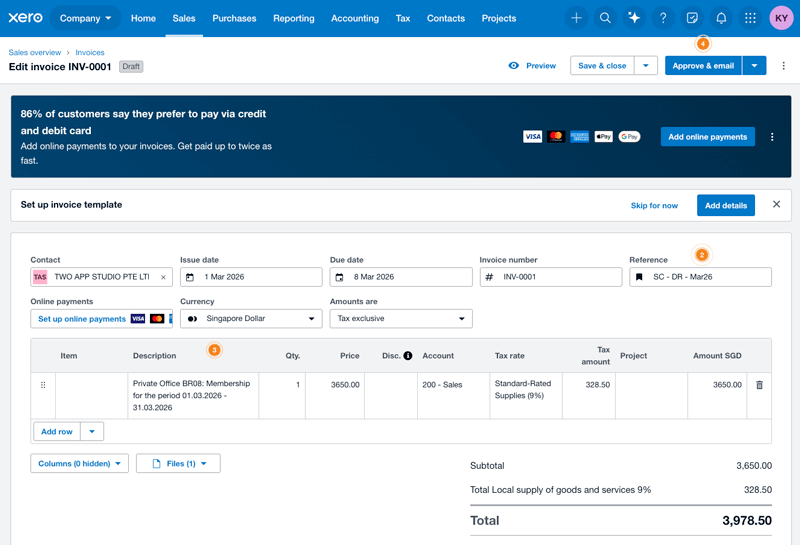
- Creates a Xero
SPENDbank transaction. - Uploads the original receipt to the Xero transaction.
- Moves successful files to a Done folder and blocked files to a Failed folder.
- Starts the next receipt batch when more files remain.
Import Instructions
- In Knoon, open the template.
- Import the package.
- Configure the Google Drive receipt inbox, Done folder, Failed folder, and Xero bank/expense account choices.
- Test with one receipt before running a full folder.
Usage Notes
- The workflow processes at most one receipt per run.
- Xero account codes, tax types, dates, and amounts should come from source data and connected Xero metadata.
- The default generated document number format is
INV-<unix timestamp><random 0-100>. - Successful files are moved out of the source folder to avoid duplicate processing.
This template deploys automatically to the cloud. No coding, self-hosted n8n setup, or Make.com flows are required. The workflow runs deterministically, so it stays predictable compared with agent-driven tools like Manus, OpenAI, or Tasklet.